
Did you know a burglary happens every 30 seconds in the United States? This fact shows how important it is to protect your home. Choosing the right home security systems can seem hard, but you can make a good choice.
This guide helps you understand home security technology to meet your needs. We’ll cover connected devices, smart detection tools, and automated alarms. You can pick the right setup for your home, budget, and comfort.
We have seven smart steps to help you. By the end, you’ll know what to buy. Let’s build your peace of mind today.
Key Takeaways
- Understand the core components of modern protective setups.
- Evaluate your property needs based on your unique budget.
- Learn how automation enhances your daily comfort and safety.
- Compare different detection tools to find the best fit.
- Gain confidence in making smart, long-term purchasing decisions.
Home Security Technology Explained: Seven Smart Ways to Protect Your Family
Turn your home into a safe haven with these seven smart security tips. Modern tech lets you watch over your place easily. By picking the right tools, you create a strong defense for your family.
Smart Security Systems That Connect Your Home
Choose a Central Hub and Compatible Devices
A central hub is the heart of your security system. It links all your devices for smooth communication. Make sure your hub works with your smart locks, lights, and sensors.
Balance Professional Monitoring With DIY Home Security
Decide between a self-monitored system or a professional service. DIY systems are flexible and save money. But, professional monitoring offers peace of mind with 24/7 help.
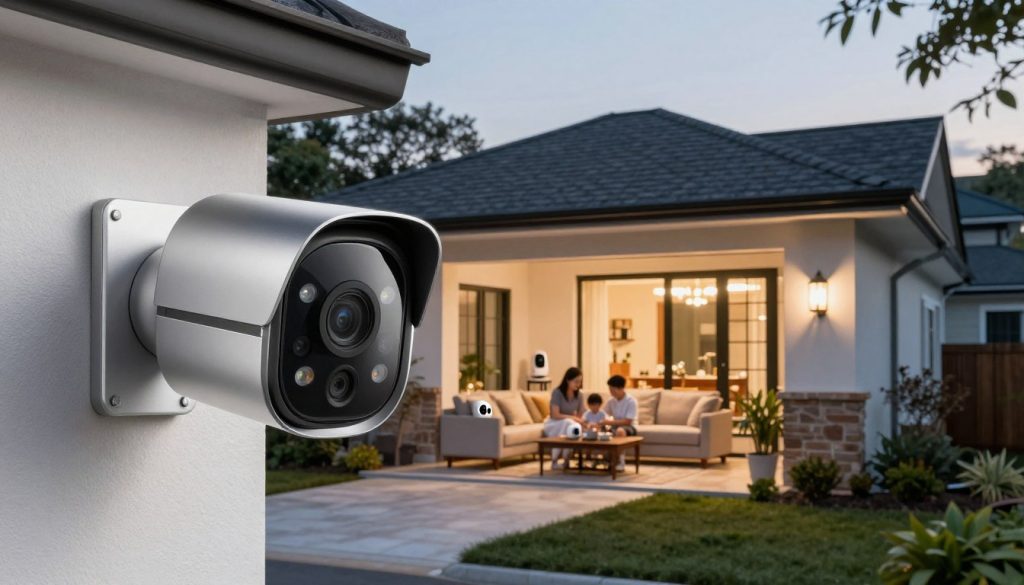
Security Cameras That Help You See What Is Happening
Compare Indoor, Outdoor, Doorbell, and Floodlight Cameras
Good security cameras keep you informed about your home. Indoor cameras watch over pets or kids. Outdoor cameras scare off intruders. Doorbell cameras check visitors, and floodlight cameras light up dark spots.
Protect Video Privacy With Strong Accounts and Local Storage
Keep your video privacy safe. Use strong, unique passwords and two-factor authentication. Also, consider storing your footage locally to control it yourself.
Intrusion Detection Systems for Doors, Windows, and Open Spaces
Use Contact Sensors, Motion Detectors, and Glass-Break Sensors
Intrusion detection systems use different sensors to spot threats. Contact sensors alert you to open doors or windows. Motion detectors cover big areas, and glass-break sensors catch the sound of breaking glass.
Reduce False Alarms With Strategic Sensor Placement
Right placement stops false alarms. Don’t point motion sensors at heat sources like radiators or sunny windows.
“The best security is invisible, reliable, and perfectly tuned to your daily life.”
Burglar Alarms and Emergency Alerts That Get Attention
Combine Sirens, Mobile Notifications, and Professional Response
A loud siren is a strong deterrent in emergencies. Add mobile alerts so you’re always in the loop. If there’s a breach, help arrives fast.
Build a Reliable Alarm Routine for Your Household
Consistency is key for a safe home. Set a routine to arm your system every night. Teach your family how to use it right for full protection.
Connected Features That Make Smart Home Security More Effective
Your home needs a security plan that fits your life. Modern tech lets you create a safe space that works for you. It’s important to know how different parts of the system work together.
Wireless Security Solutions for Flexible Installation
Understand Wi-Fi, Cellular Backup, Battery Life, and Range
Wireless systems give you freedom without the need for wires. But, your Wi-Fi must be strong to reach all sensors. Cellular backup ensures your system stays online, even without internet.
Check your sensor batteries often to avoid coverage gaps. Keeping an eye on these levels is key to reliability. For big homes, use range extenders to cover every area.
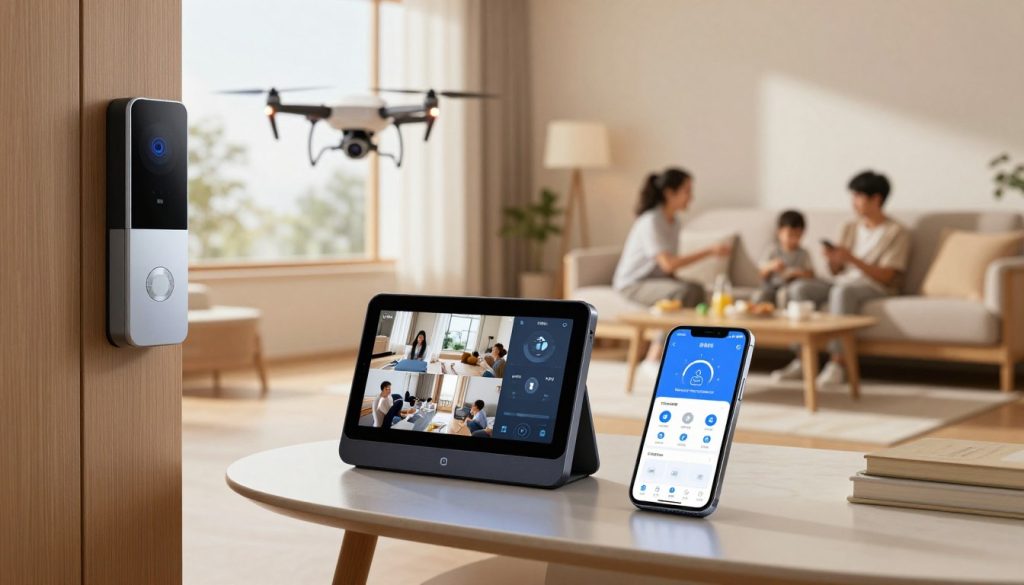
Your smart home security is only as good as your passwords. Use strong, unique passwords for your router and security accounts. Adding two-factor authentication adds extra protection.
Keep your devices updated with the latest security patches. This simple step helps prevent hackers from finding weaknesses in outdated software.
Home Automation That Makes Your Home Look Occupied
Use Smart Lights, Locks, Plugs, and Thermostats Together
Home automation makes your home look lived-in, even when you’re away. Linking your smart devices creates a dynamic home environment. For example, you can set lights to turn on at sunset and adjust your thermostat to save energy.
Create Schedules Without Sacrificing Safety or Privacy
You can set up routines to make your home seem occupied. But, remember to keep your privacy in mind. Avoid sharing your travel plans on social media, even with automated systems protecting your home.
How to Choose the Right Protection for Your Home
Match Features to Your Property, Budget, and Household Needs
Decide between DIY or professional monitoring based on your needs. DIY kits save money but require tech savvy. Professional services offer peace of mind without the hassle.
Check Installation, Monitoring Fees, Compatibility, and Support
Compare costs before choosing a brand. Look for hidden fees and the quality of support. The table below helps you compare options for your home.
| Feature | DIY Systems | Professional Systems |
|---|---|---|
| Installation | Self-installed | Expert technician |
| Monitoring | Self-monitored | 24/7 Professional |
| Cost | Lower upfront | Higher monthly |
| Support | Online guides | Phone/On-site |
Conclusion
Creating a safe home needs a mix of new tech and smart planning. Use connected cameras, sensors, and smart lights to protect your place. This mix keeps your home safe from different dangers.
Your perfect setup depends on your home’s layout, your budget, and your daily life. Many people like diy home security kits for their flexibility and simplicity. These kits let you grow your protection as your needs change.
Before buying, check if your devices work well together. Look at the cost of monitoring, network security, and how reliable your alarms are. Choosing top-notch wireless security means your system works well in emergencies.
The seven-step guide we shared helps you pick the best tech. Use these tips to create a system that keeps you calm every day. Your smart choices today make your home safer for your loved ones.